

Easy Disk
Disk space analyzer: see what's eating your space — and what's safe to clean
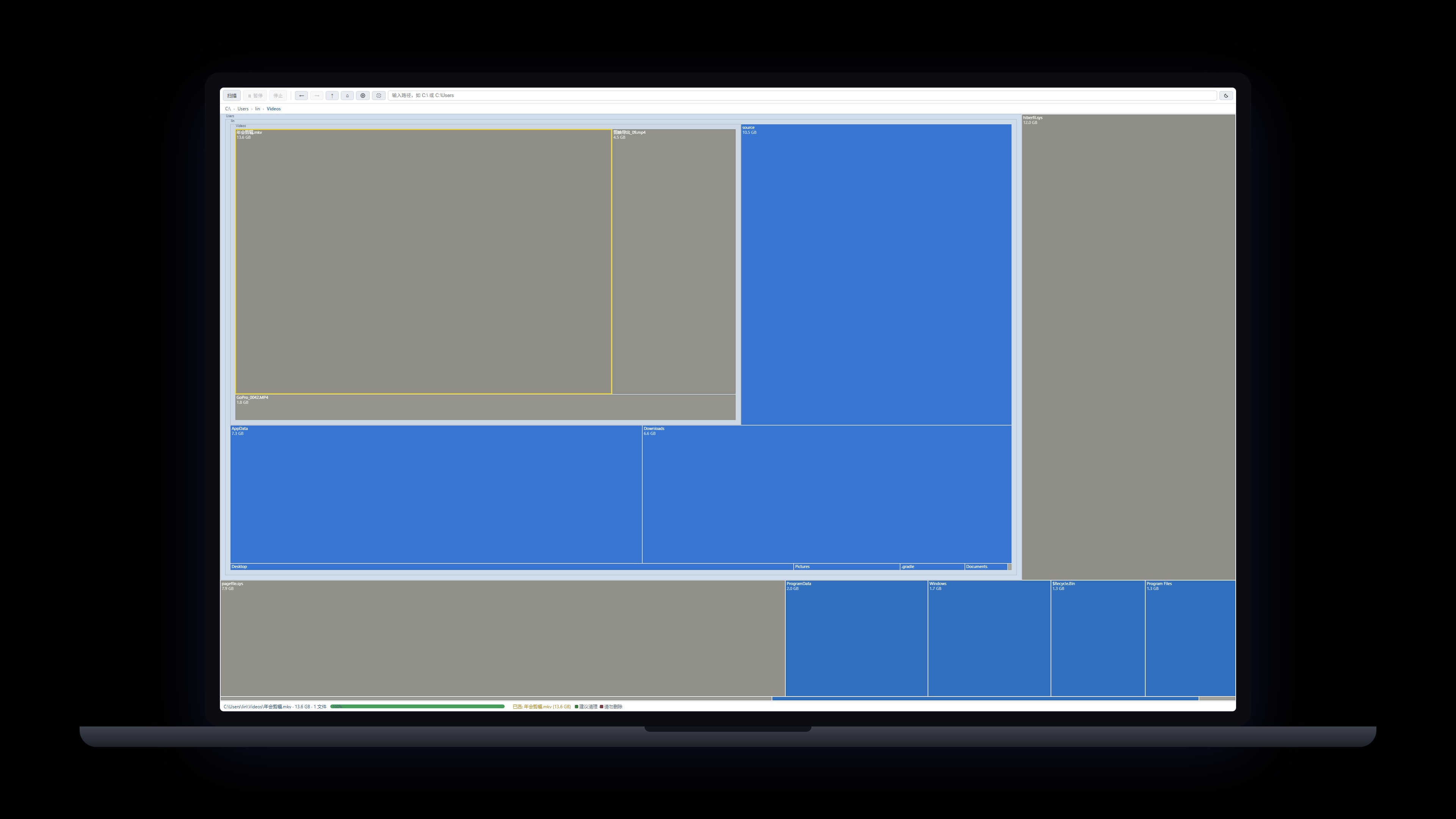
Easy Disk turns your whole drive into a single treemap: block area equals disk usage, so the biggest consumers stand out instantly. Built-in red/green safety marks flag system paths you shouldn't touch and caches that are safe to clean. The Rust engine scans with multiple threads and renders progressively while scanning. Everything stays on your machine — no uploads, no in-app deletion; one click locates the folder in Explorer and you stay in control.
Windows 10/11 · on-device scan · no uploads · v0.6.0
 Membership>
Back to Products>
Membership>
Back to Products>
Features
Treemap at a glance: block area equals disk usage — spot big consumers instantly
Red/green safety marks: red = don't delete, green = safe to clean (37 built-in rules, customizable)
Progressive rendering: browse while scanning, with pause/resume/stop
Click to select, double-click to drill down, breadcrumbs, ctrl+wheel zoom, drag to pan
Real-time name filtering with wildcards (* ?) — no rescan needed
Right-click to locate in Explorer; fully on-device scanning, nothing uploaded
Changelog
v0.6.0
2026-09-09
- Windows desktop app officially released with direct download
- Rust scan engine + file-level treemap; installer only ~4MB
- Red/green safety marks (37 built-in rules) and command-line scanning